
Best Design Tools for Graphic & UI Designers
Apps and tools to improve your design workflow
Last updated: June 2026
The right tools remove friction from your daily workflow. This collection spans industry standards like Figma, Sketch, and Adobe Creative Cloud; subscription-free alternatives like Affinity; color utilities like Coolors and Randoma11y; site builders like Framer and Webstudio; and niche tools like Tweakcn and Paper — each chosen because it solves a real problem for designers who ship work.
Featured
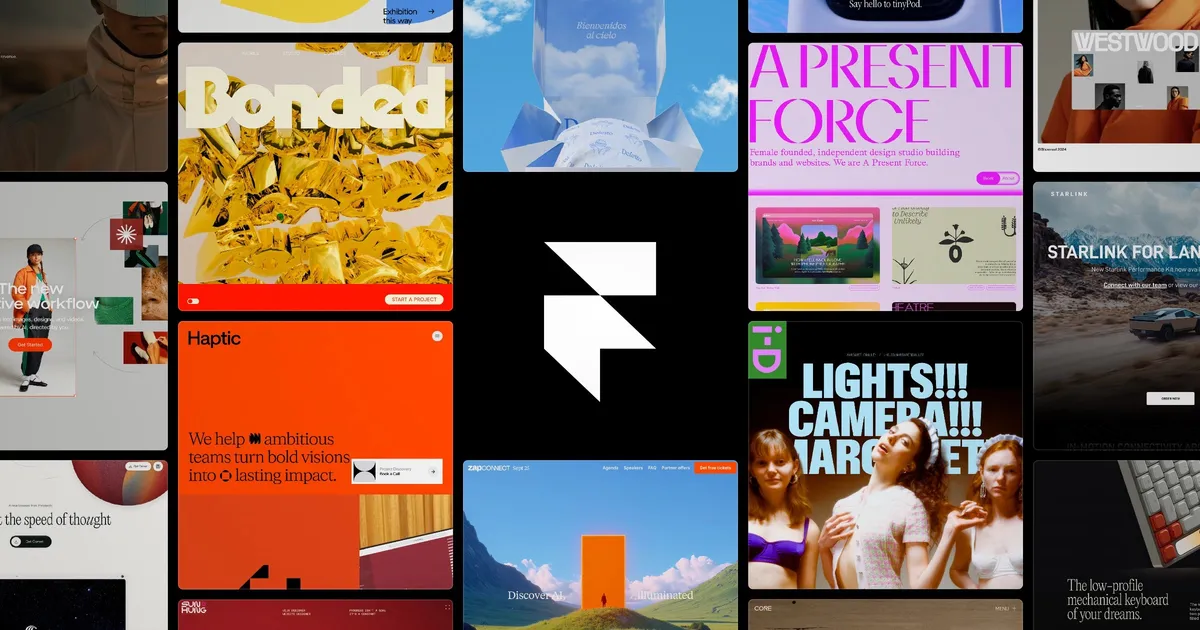
Framer
Design and publish a modern site with Framer’s no-code web builder.
Why it's here: Design-to-publish site builder that suits designers who want to ship.
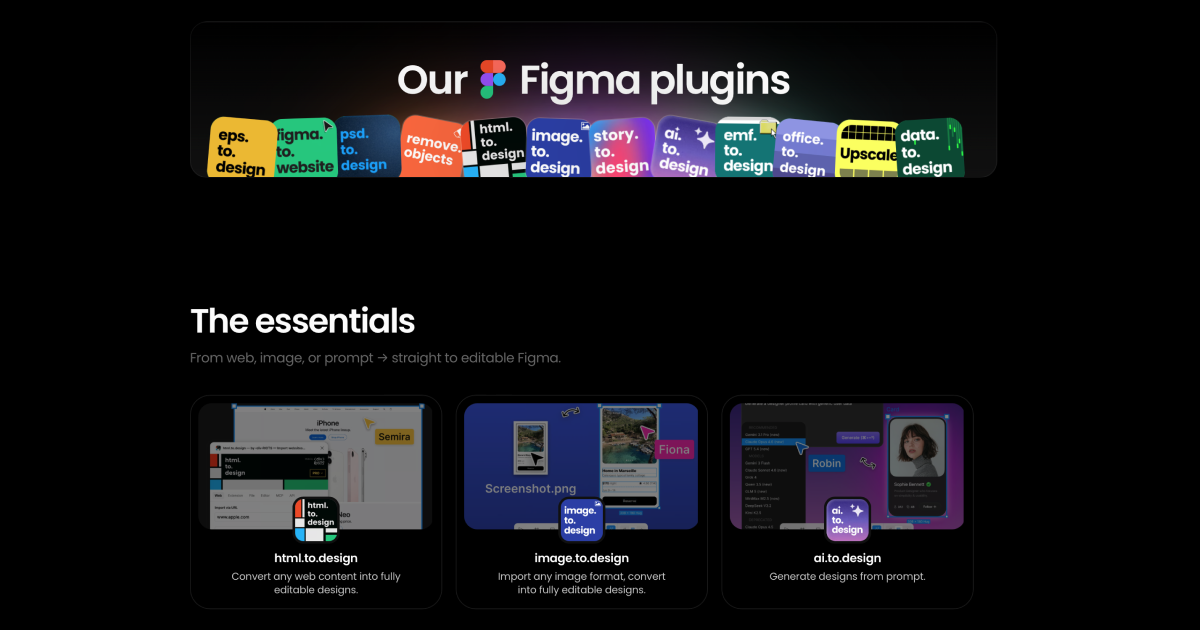
DivRiots
Figma plugins and APIs to accelerate your design workflow — import web pages, PDFs, PSDs, and Illustrator files, or publish designs straight to the web.
Resources
Figma
A collaborative design tool for creating user interfaces.
Why it's here: Industry-standard collaborative interface design tool.
Framer
Design and publish a modern site with Framer’s no-code web builder.
Why it's here: Design-to-publish site builder that suits designers who want to ship.
DivRiots
Figma plugins and APIs to accelerate your design workflow — import web pages, PDFs, PSDs, and Illustrator files, or publish designs straight to the web.
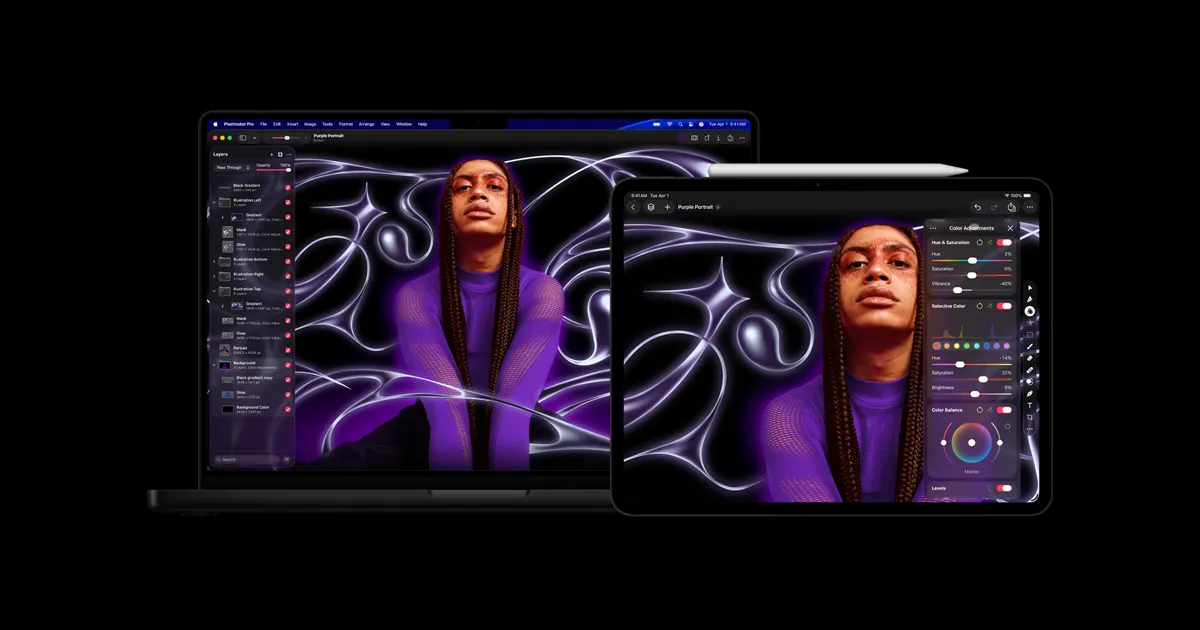
Pixelmator
All in one tool exclusively for MacOS
Affinity
Subscription-free photo editing, page layout, graphic design and illustration apps for professionals. Try for free or buy for one low payment.
Balsamiq
A wireframing tool for creating low-fidelity mockups.
Paper
Paper is a modern and powerful design tool that helps you create, share, and ship your best work.
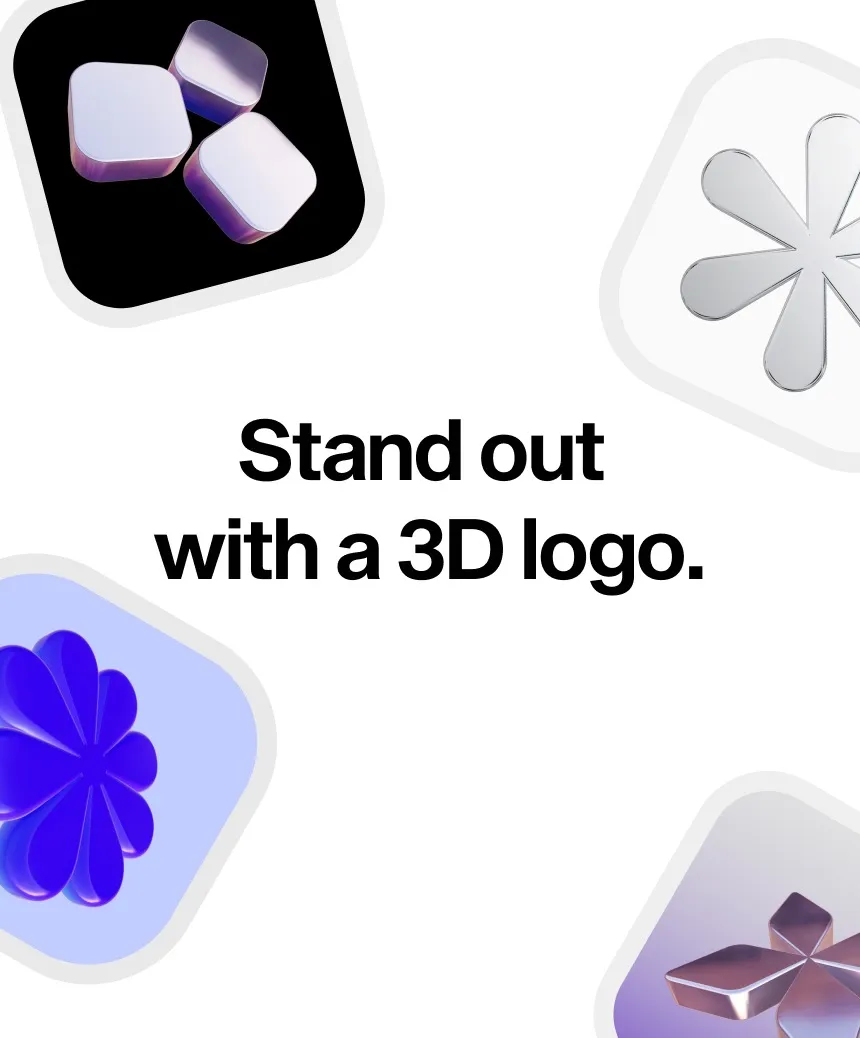
Formia
Stand out with a 3D logo.
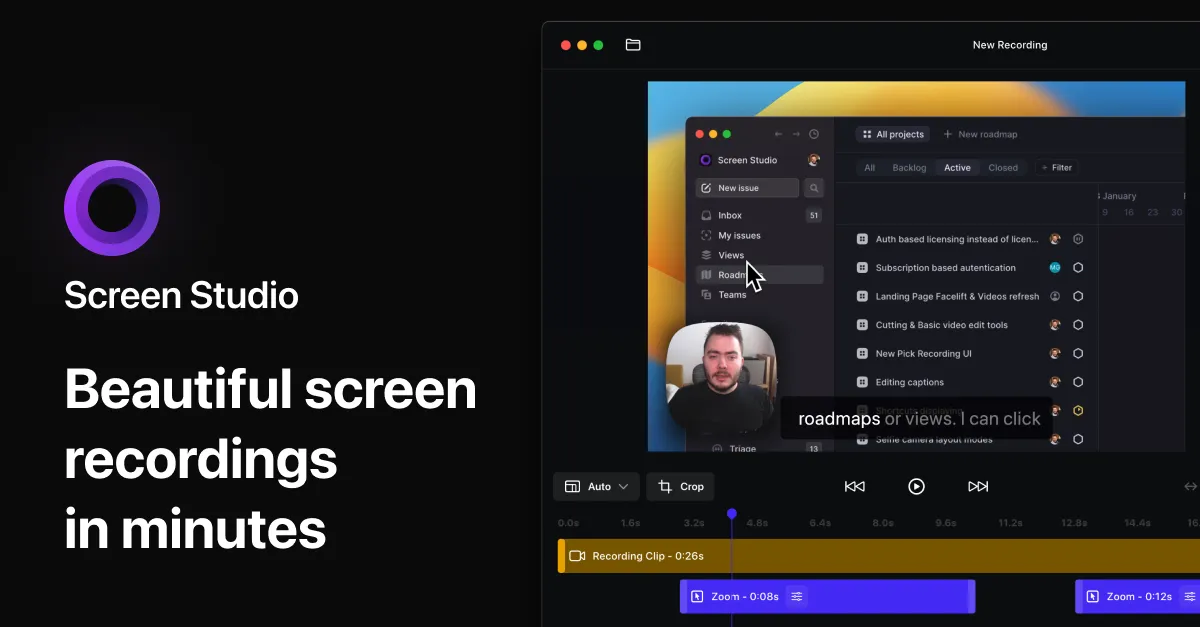
Screen Studio
macOS screen recorder with automatic zoom and smooth animations for product demos, tutorials, and social media videos.
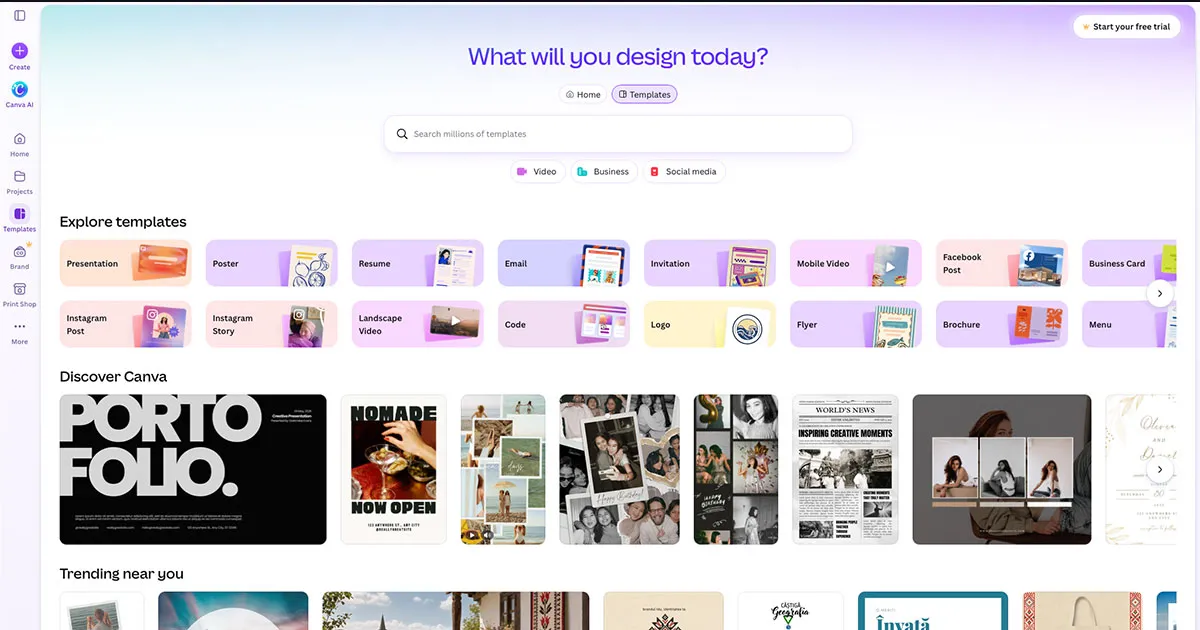
Canva
An online graphic design tool with a wide range of templates.
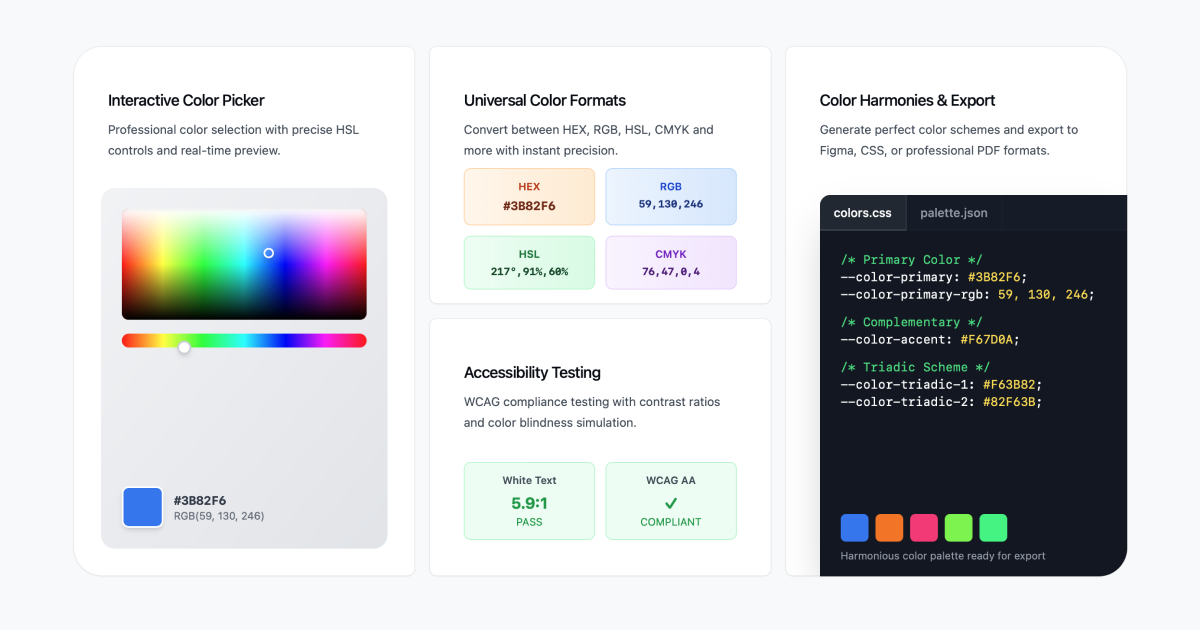
Colorbook.io
Colorbook.io is a convenient converter for converting HEX colors to CMYK and RGB.
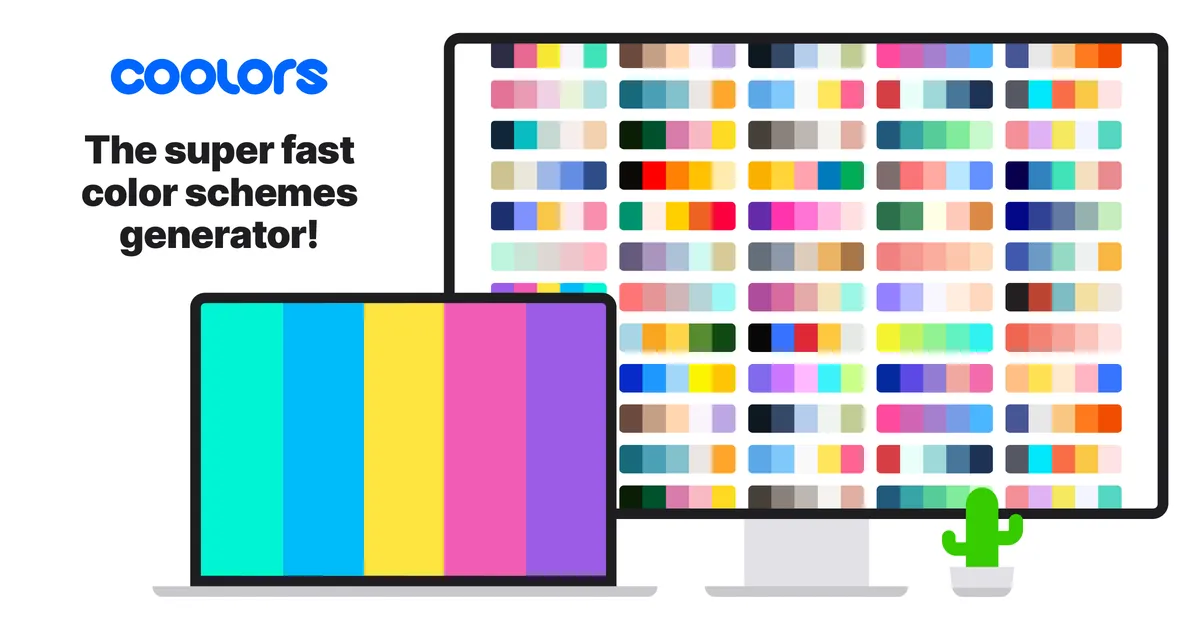
Coolors
Ultimate color palette generator
Why it's here: Quick palette generator for exploring color combinations.
HEX to Pantone Converter
HEX to Pantone Converter is a tool that allows you to convert HEX colors to Pantone colors.
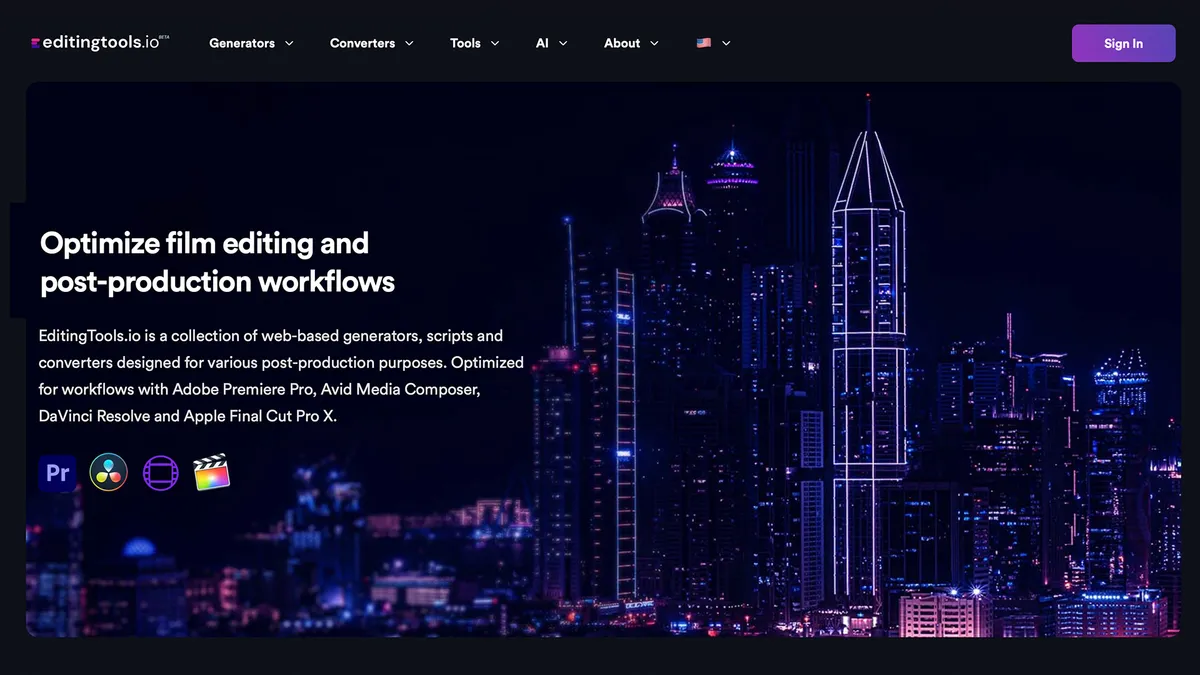
EditingTools.io
EditingTools.io is a collection of web-based generators, scripts and converters designed for various post-production purposes. Optimized for workflows with Adobe Premiere Pro, Avid Media Composer, DaVinci Resolve and Apple Final Cut Pro X.

Miro
AI-powered visual workspace for product development — align teams, break tool silos, and ship from ideation to launch.
Mymind
Mymind is a minimalist board for saving and organizing your ideas and inspirations.

Adobe Photoshop
A powerful image editing and graphic design software.

Paper Liquid Metal
Liquid metal for your logo by paper.design

Adobe XD
A user experience (UX) design and prototyping tool.
Adobe Illustrator
A vector graphics editor for creating illustrations.
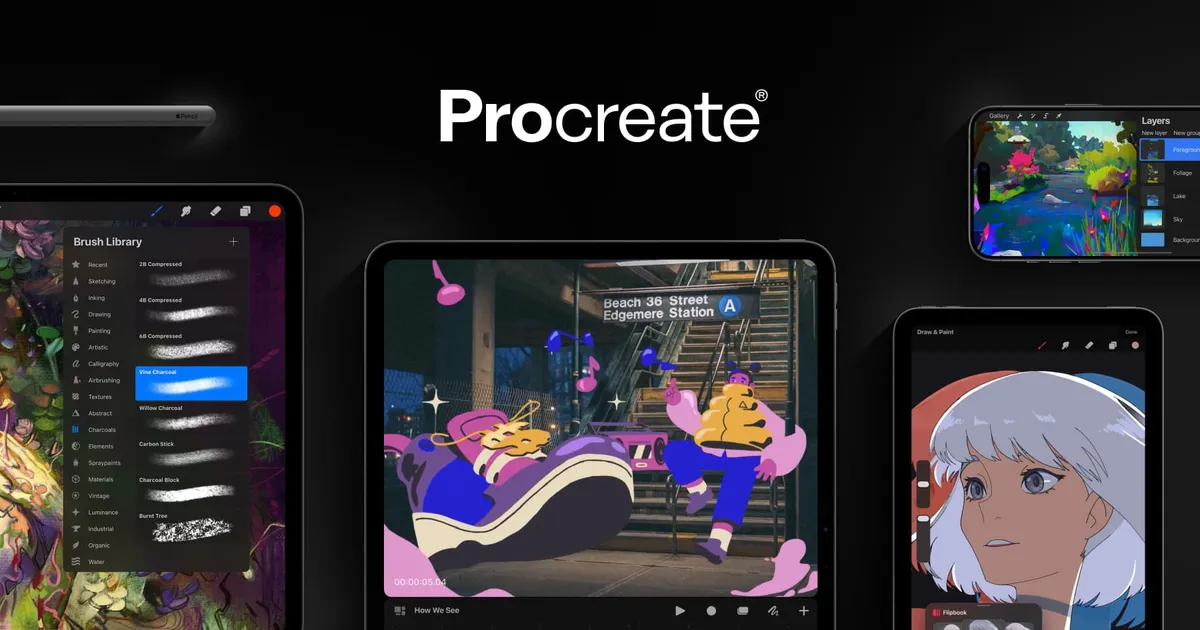
Procreate
A digital painting and illustration app for iPad.
Randoma11y
Randoma11y provides color palettes for accessible design, helping you create inclusive designs.
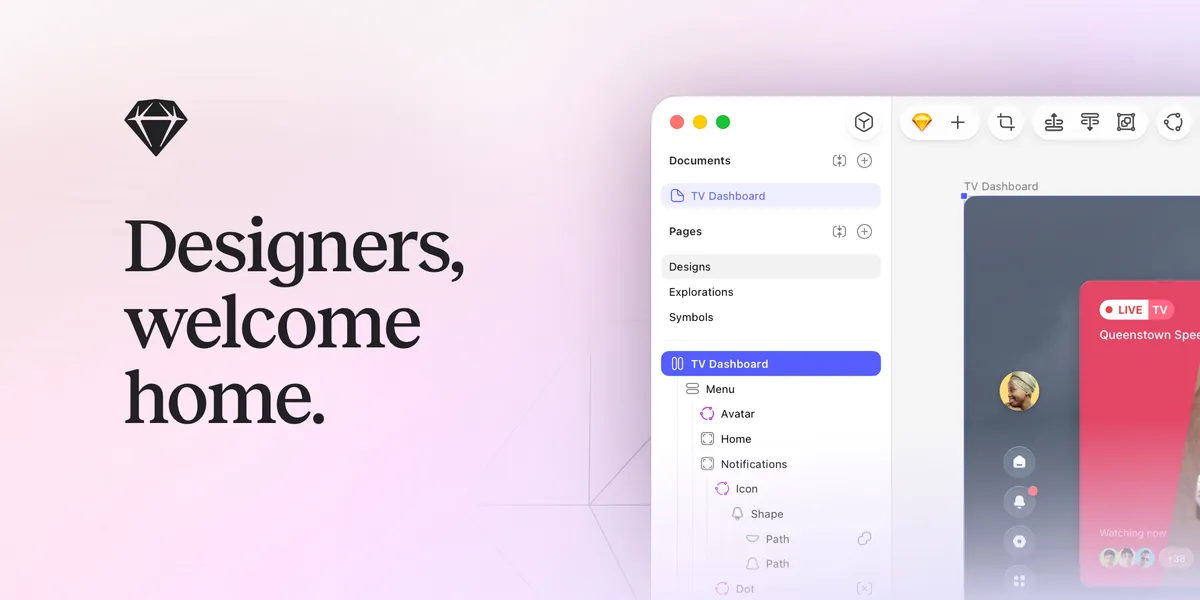
Sketch
A vector-based design tool for creating digital designs.
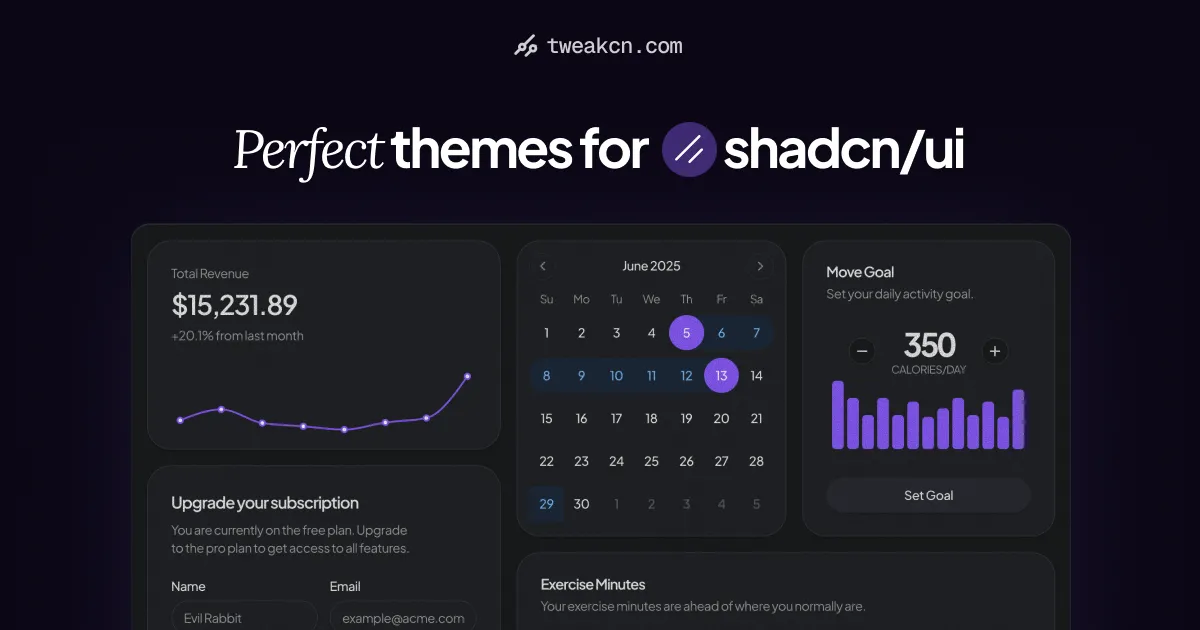
Tweakcn
Customize theme for shadcn/ui with tweakcn's interactive editor. Supports Tailwind CSS v4, Shadcn UI, and custom styles. Modify properties, preview changes, and get the code in real time.

VidIQ
Take your YouTube channel to new heights with VidIQ. Unlock video optimization tools, analytics, and insights to maximize your reach and engagement.
Viewstats
Viewstats gives you the power of in depth YouTube Channel Statistics. Search any creator, compare performance, see growth trajectories, and much more!
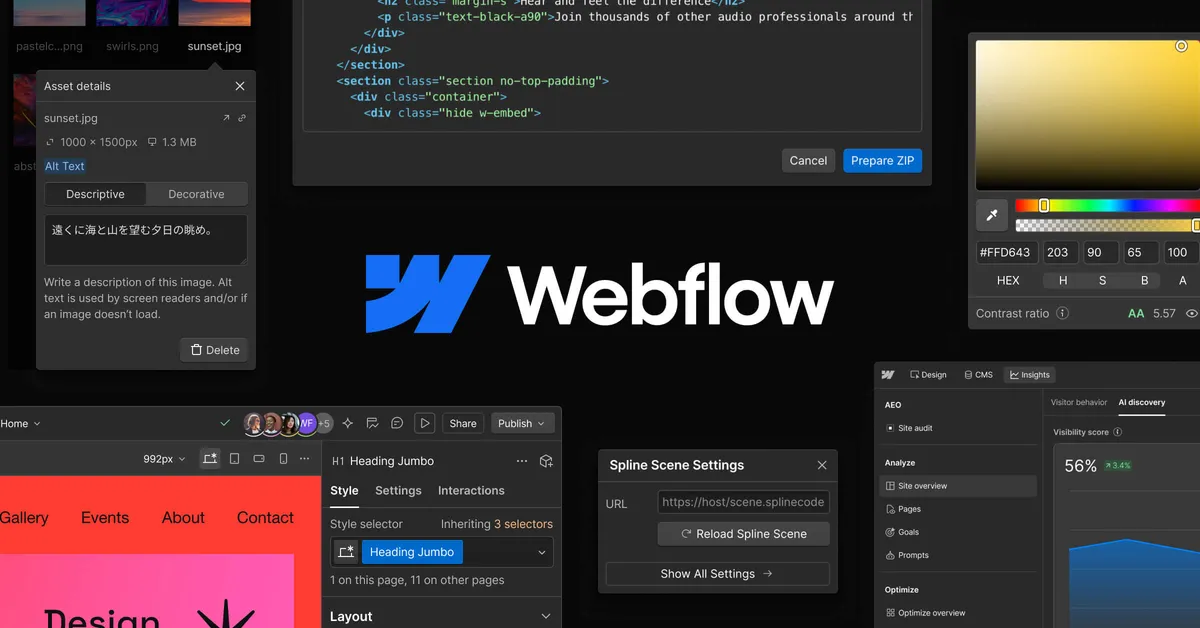
Webflow
Visual-first platform, marketers, designers, and devs alike can create, optimize, and scale web experiences
Why it's here: Visual builder that outputs production HTML and CSS.
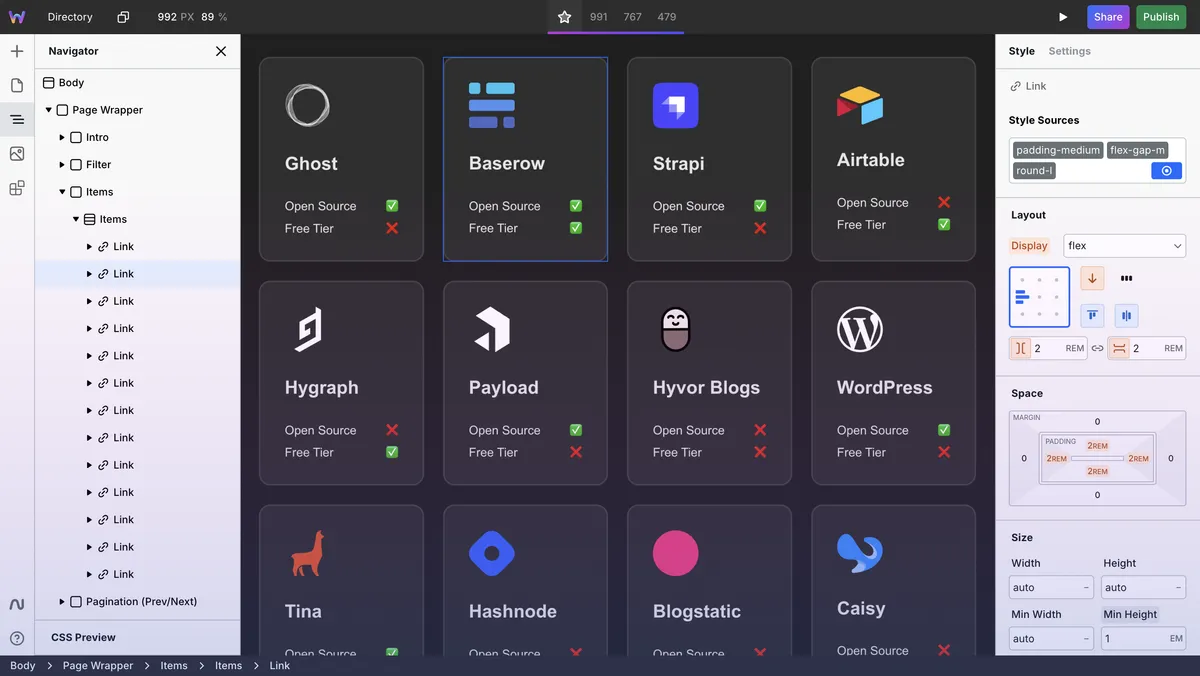
Webstudio
Advanced Open Source Website Builder

Zeplin
A design collaboration and handoff tool for developers.
Frequently Asked Questions
What tools do professional UI designers use daily?
Most UI designers rely on Figma for design, Canva or Affinity for quick asset work, and Coolors or Colorbook for color workflows. Browser tools like Tweakcn help when customizing design systems and shadcn themes.
Are there good alternatives to Adobe Creative Cloud?
Affinity offers subscription-free photo, vector, and layout apps. Penpot and Figma cover UI design. Many designers mix specialized tools rather than one monolithic suite.
What free design tools are worth using?
Penpot, Figma's free tier, Tweakcn for shadcn themes, and EditingTools.io for post-production scripts are strong free options for different parts of the workflow.
How do I choose the right design tool for my workflow?
Start with the bottleneck in your process — asset creation, prototyping, or handoff. Pick tools that integrate with what your team already uses rather than adding another disconnected app.
Are browser-based design tools good enough for professional work?
Yes for many workflows. Figma, Penpot, and browser mockup tools handle most UI and graphic tasks. Heavy photo retouching and print production still benefit from desktop apps like Affinity or Adobe.
Reviewed by Sergei Chyrkov · Last updated June 2026 · How we curate