
Best No-Code and Vibe Coding Tools
No-code, low-code, and vibe coding tools that ship products
Last updated: August 2026
More designers and vibe coders are shipping products without traditional engineering teams. These no-code platforms, AI builders, and dev environments — from Framer and Webflow to Vercel, Supabase, Bubble, and Xano — help you go from design to live site whether you write code occasionally or not at all.
Featured
Feature your tool herePin this list · $112/mo · labeled PartnerResources
Vercel
Frontend cloud platform optimized for Next.js — deploy with preview URLs and global edge network.
Why it's here: Hosting platform that deploys front-end projects straight from Git.
Supabase
Everything you need for your databases, auth, and storage — ideal for any vibe-code project. Super easy setup!
Why it's here: Open-source Postgres backend with auth and storage, handy for small products.
GitHub
Platform for version control, collaboration, and deploying code — essential for designer-developers.
Why it's here: Where most open-source design systems and tools live.
Expo
Expo is an open-source platform for making universal native apps for Android, iOS, and the web with JavaScript and React.
Netlify
Deploy static sites and serverless functions with git-based workflows and preview deployments.
Bubble
No-code platform for building full web applications with databases, workflows, and responsive design.
CodeSandbox
Online development environment for rapid web prototyping, sharing, and collaboration.
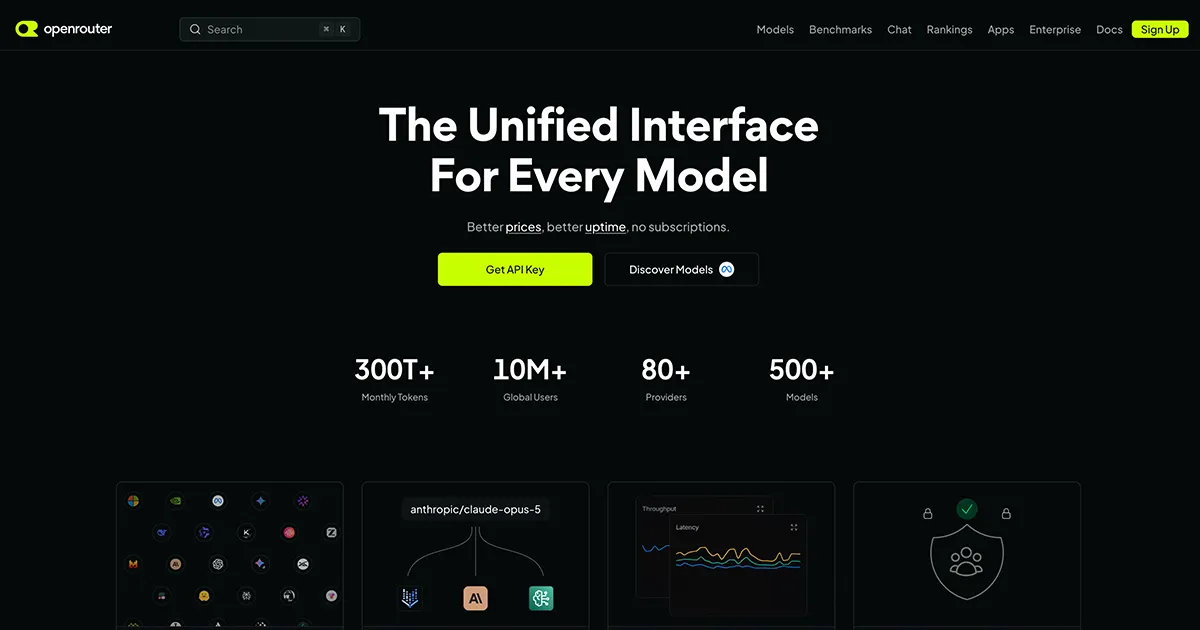
OpenRouter
Unified API for 500+ AI models from 80+ providers — OpenAI-compatible, no subscriptions, pay only for what you use.
Replit
Browser-based IDE for building and deploying apps collaboratively — great for quick prototypes.
Retool
Build internal tools and admin panels quickly by connecting to APIs and databases with drag-and-drop UI.
StackBlitz
Instant dev environments in the browser — spin up full-stack projects without local setup.
v0 by Vercel
AI-powered UI generator that creates React components and pages from text and image prompts.
Why it's here: Generates React and Tailwind UI from prompts, close to what ships.
Whalesync
Manage Webflow CMS, Supabase, and HubSpot directly from Airtable or Notion. Whalesync makes two-way data sharing easy.
Xano
No-code ease meets low-code power. No matter what your programming background, develop faster with Xano.
Frequently Asked Questions
What no-code tools do designers use to build websites?
Framer and Webflow are popular for marketing and product sites. v0 and bolt.new help when you want AI-assisted code output. Bubble suits full web apps without code.
Should designers learn to code?
Basic HTML/CSS helps you collaborate with engineers and spot feasibility issues. Tools like Cursor lower the barrier — you can ship small features without becoming a full-time developer.
Framer vs Webflow for designers?
Framer excels at design-led marketing sites with React-powered interactions. Webflow offers deeper CMS and hosting control. Many designers choose based on team workflow and content needs.
What is the best tool for designers who want to ship without a dev team?
Framer and Webflow are top picks for marketing sites. For full web applications, Bubble and Retool let designers build functional products. v0 and bolt.new bridge the gap when you want code output from prompts.
What is vibe coding?
Vibe coding means building products with AI coding tools instead of a traditional engineering team — Cursor, bolt.new, Lovable, and v0. Pair those with Framer or Webflow when you want a visual canvas, and host on Vercel or Netlify when you ship.
Where should designers host their projects?
Vercel and Netlify are popular for static and Next.js sites with simple deployment. Supabase adds backend features when you need auth or databases without managing servers.
Reviewed by Sergei Chyrkov · Last updated August 2026 · How we curate