
Best Free Development Tools for Designers Who Ship
11 curated free development
Last updated: August 2026
Designers who publish their own work need hosting, CMS, and sometimes a database — not just a Figma file. Every tool here has a free tier that is usable for personal projects, prototypes, or small client sites. Limits usually appear on custom domains, team seats, or traffic. Read the cap before you promise a client unlimited hosting on a hobby plan.
Resources
Vercel
Frontend cloud platform optimized for Next.js — deploy with preview URLs and global edge network.
Why it's here: Hosting platform that deploys front-end projects straight from Git.
Supabase
Everything you need for your databases, auth, and storage — ideal for any vibe-code project. Super easy setup!
Why it's here: Open-source Postgres backend with auth and storage, handy for small products.
GitHub
Platform for version control, collaboration, and deploying code — essential for designer-developers.
Why it's here: Where most open-source design systems and tools live.

Netlify
Deploy static sites and serverless functions with git-based workflows and preview deployments.
Bubble
No-code platform for building full web applications with databases, workflows, and responsive design.
CodeSandbox
Online development environment for rapid web prototyping, sharing, and collaboration.
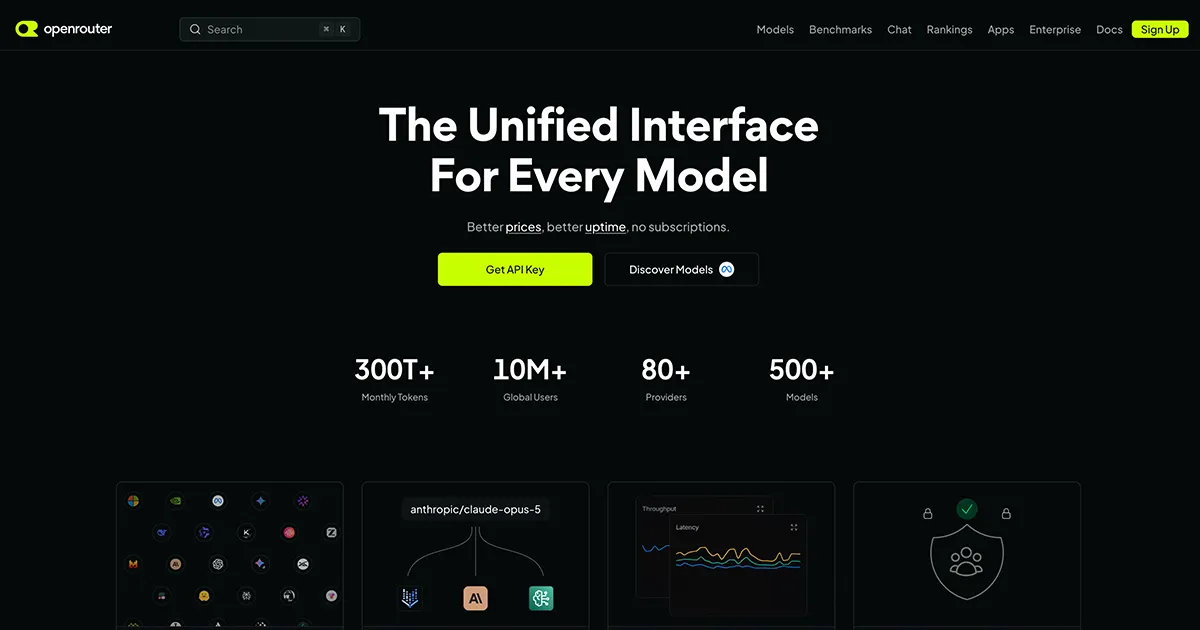
OpenRouter
Unified API for 500+ AI models from 80+ providers — OpenAI-compatible, no subscriptions, pay only for what you use.
Replit
Browser-based IDE for building and deploying apps collaboratively — great for quick prototypes.
Retool
Build internal tools and admin panels quickly by connecting to APIs and databases with drag-and-drop UI.
StackBlitz
Instant dev environments in the browser — spin up full-stack projects without local setup.
v0 by Vercel
AI-powered UI generator that creates React components and pages from text and image prompts.
Why it's here: Generates React and Tailwind UI from prompts, close to what ships.
How to pick one
- Static marketing site → Vercel or Netlify; visual CMS site → Framer or Webflow free tier.
- If you need auth or a database, Supabase free tier pairs well with a Next.js front end.
- Match the tool to who maintains the site after launch — client-friendly editors matter more than developer ergonomics.
Frequently Asked Questions
Can I host a client site on a free plan?
Often yes for small brochure sites — check bandwidth limits, branding removal, and custom domain rules. Many designers use free tiers for staging only.
Framer vs Webflow free tier — which is better?
Framer is faster for design-led marketing sites. Webflow offers deeper CMS on paid tiers. Both free plans work well for learning and prototypes.
What is the best free hosting for designers?
Vercel and Netlify for static and Next.js sites. Both offer free preview URLs, custom domains on hobby tiers, and simple Git-based deploys.
Do I need Supabase on a free plan?
Only if your site needs auth, a database, or user accounts. Marketing sites on Framer, Webflow, or Vercel often need no backend at all.
Can designers ship production sites without paying for tools?
Yes for personal projects and small sites using Framer, Webflow, or Vercel free tiers. Client production work usually needs paid plans for domains, CMS limits, or team seats.
Reviewed by Sergei Chyrkov · Last updated August 2026 · How we curate