
Best AI Tools for UI Design
12 curated ui design ai tools
Last updated: May 2026
UI-focused AI tools sit between a blank Figma file and a fully coded app. Some generate wireframes from a brief, others produce component-level layouts you can refine. None of them replace taste or hierarchy decisions — they shorten the path from prompt to something you can react to. I grouped tools here that target screens and flows, not general chat or image-only generators.
Featured
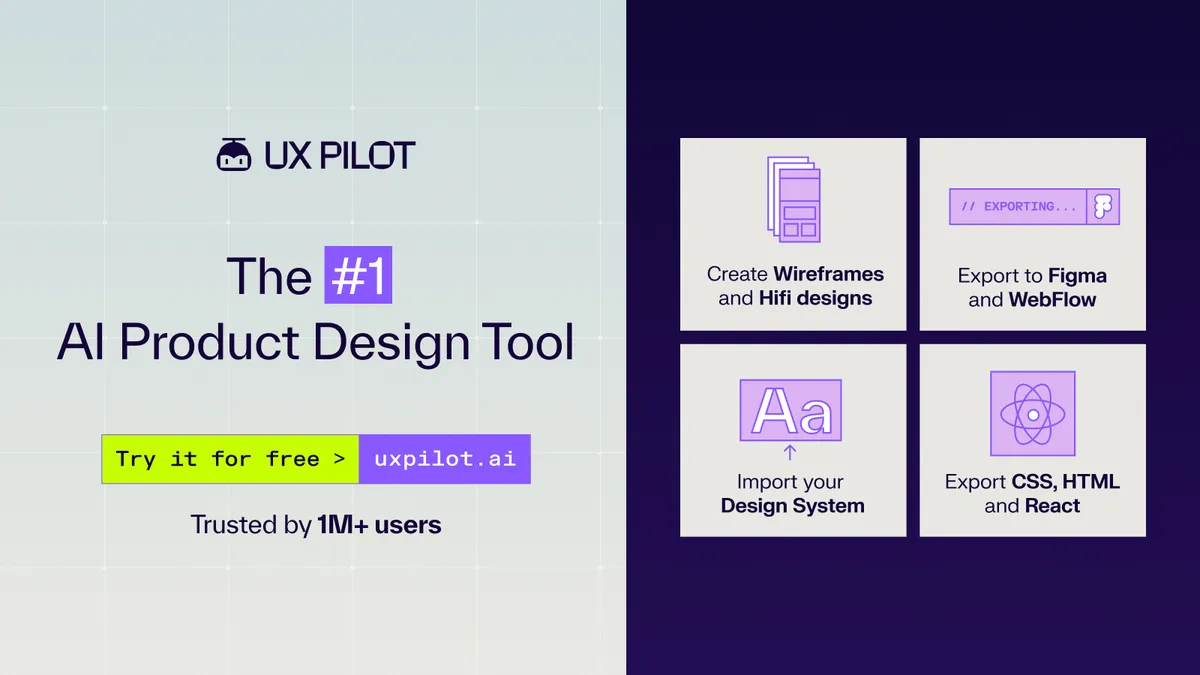
UX Pilot
UX Pilot is an AI-powered UX/UI design platform that helps product teams ideate, design, and hand off web and mobile applications in seconds, from wireframes and high-fidelity screens to production-ready code.
Why it's here: Turns a prompt into editable UI screens and flows, a fast start for wireframing.
MagicPath
Create, refine, and explore with AI.
Resources
UX Pilot
UX Pilot is an AI-powered UX/UI design platform that helps product teams ideate, design, and hand off web and mobile applications in seconds, from wireframes and high-fidelity screens to production-ready code.
Why it's here: Turns a prompt into editable UI screens and flows, a fast start for wireframing.
MagicPath
Create, refine, and explore with AI.
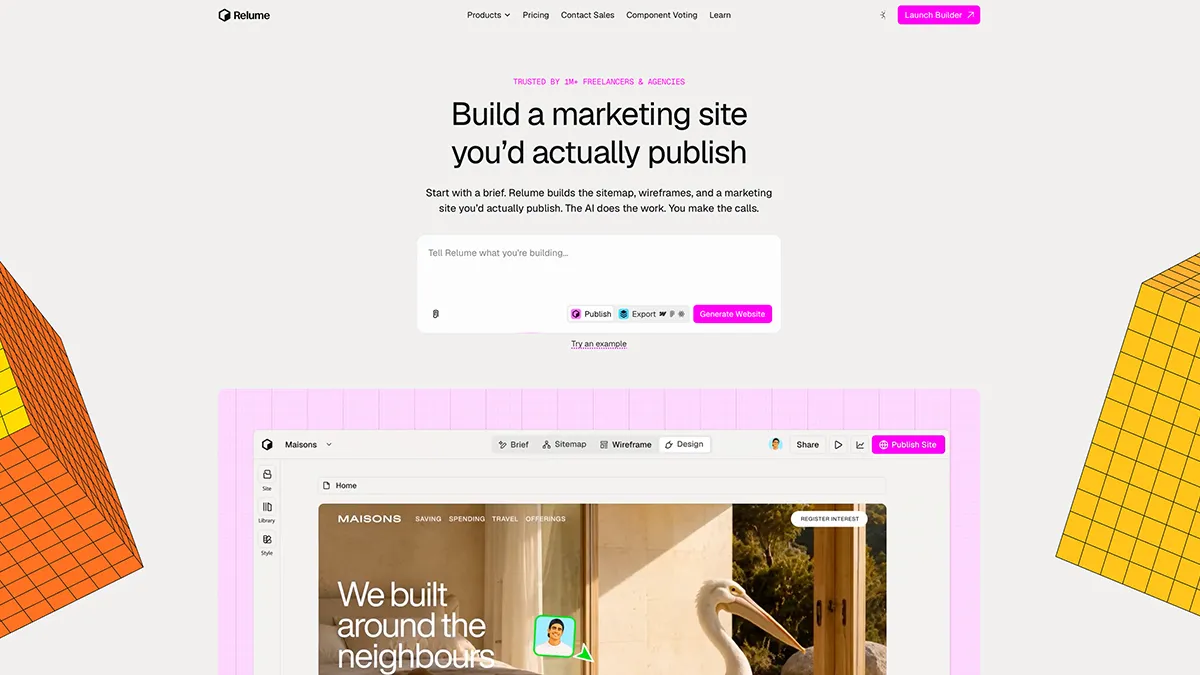
Relume
Wireframes, design systems, websites AI builder
Why it's here: Generates sitemaps and wireframes you can carry into Figma or Webflow.
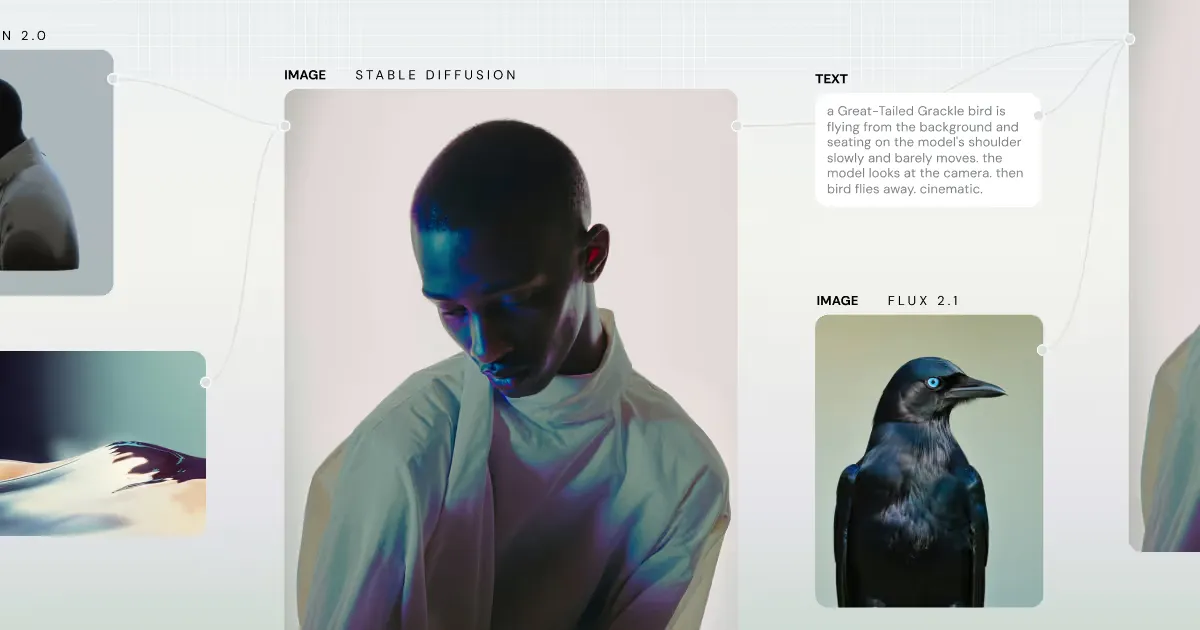
Weavy
Transform your creative vision into scalable workflows with Weavy. Integrate AI models and editing tools in one seamless, node-based platform.
Stitch
Stitch generates UIs for mobile and web applications, making design ideation fast and easy.
Why it's here: Google's prompt-to-UI tool, handy for quick mobile and web layout ideas.
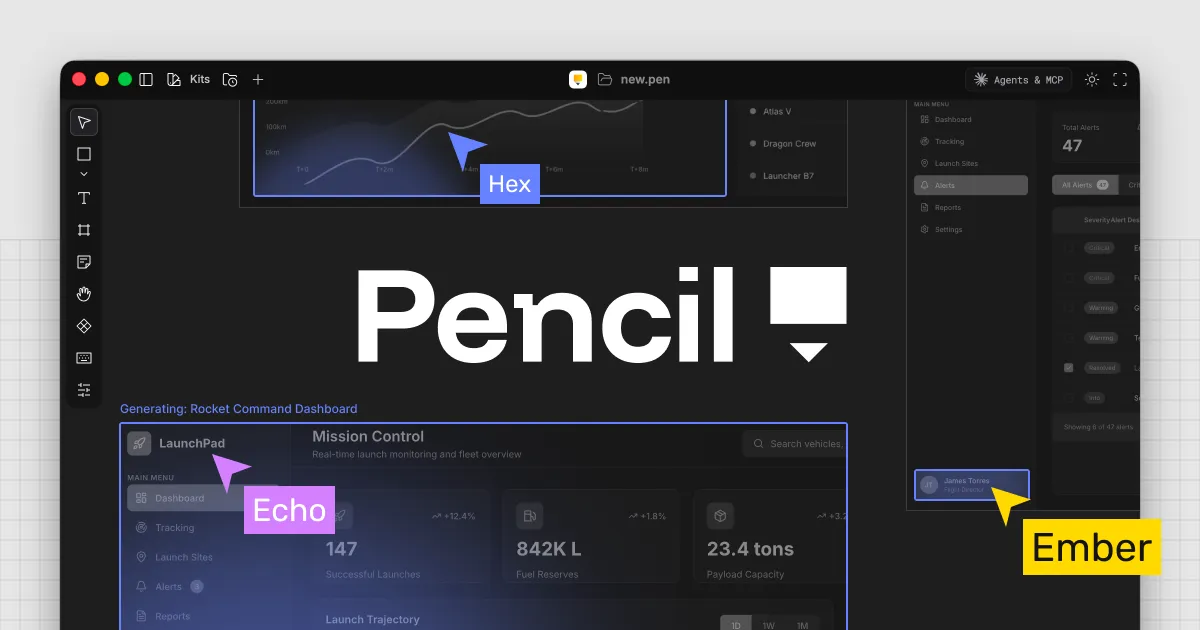
Pencil - Design Mode for Cursor
Pencil fundamentally increases your engineering speed by bringing designing directly into your preferred IDE.

Octopus
FREE visual sitemap builder with lo-fi wireframes for prototyping website architecture & structure. Use our website planning and site mapping tool to create a site map instantly. Our website diagram tool and website mapping is extremely fast and easy, we promise!
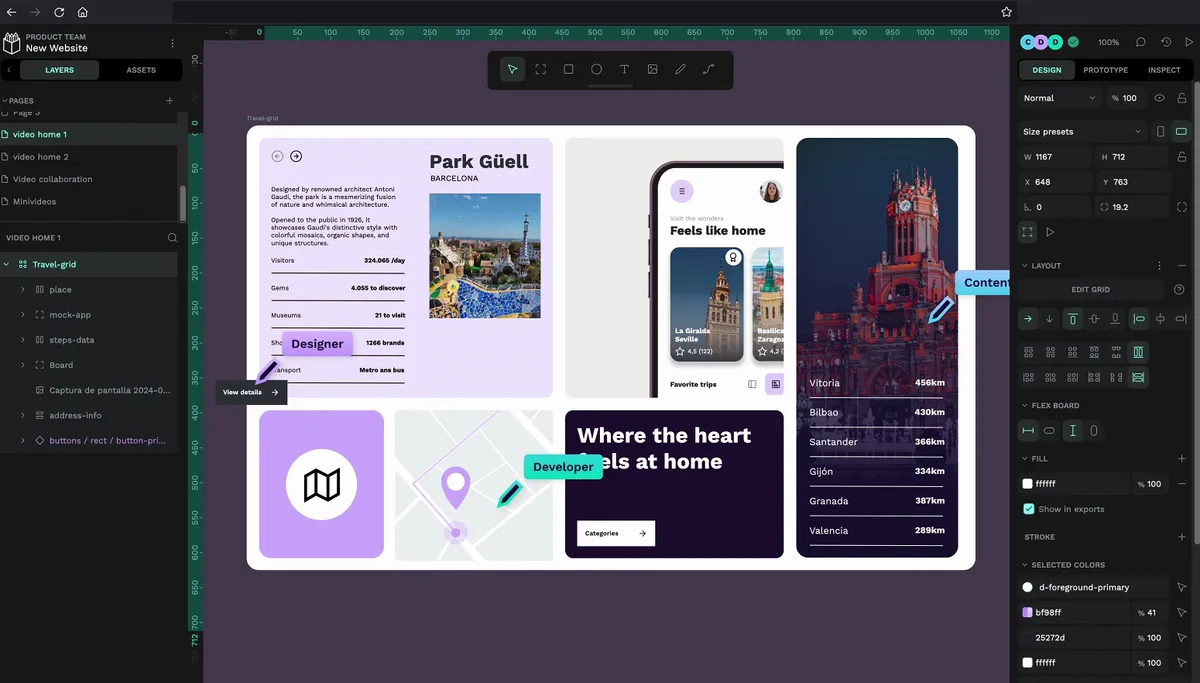
Penpot
Penpot is a free open-source design and prototyping tool. Create and collaborate on visuals, prototypes, UX and more
Why it's here: Open-source design tool, a free alternative when you want editable files you own.
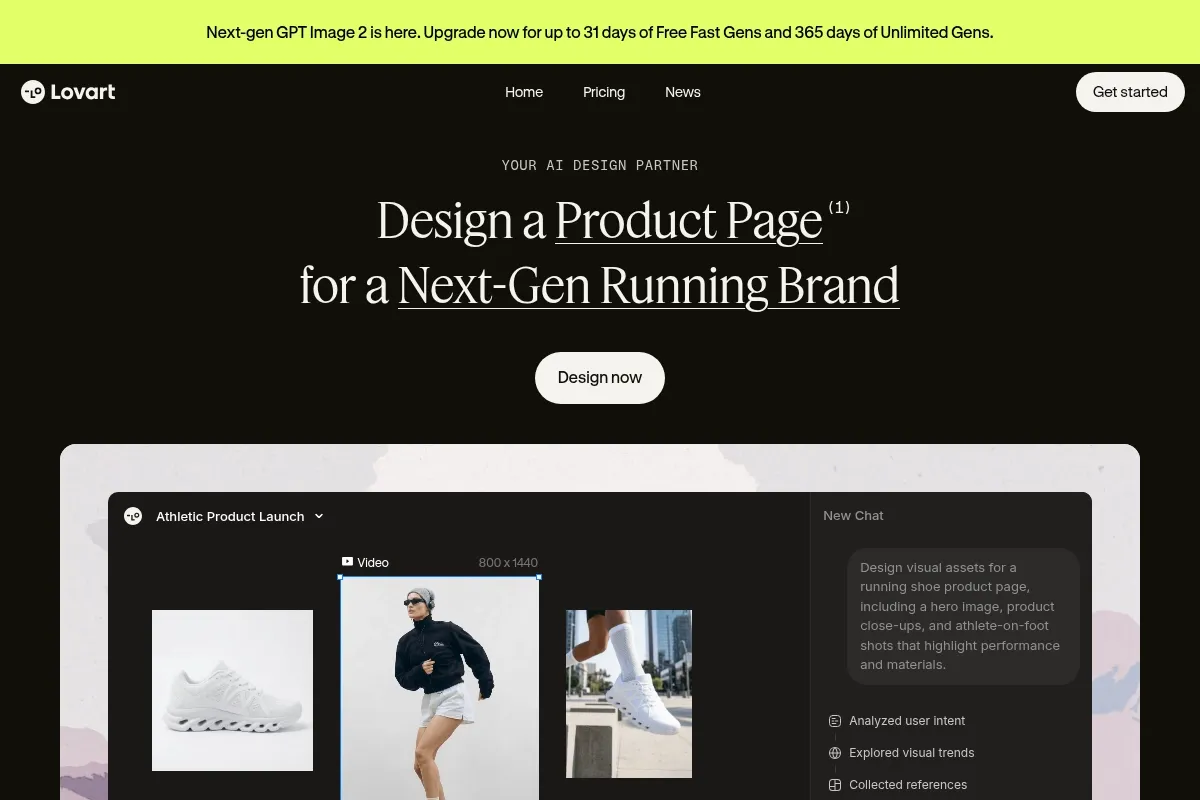
Lovart
Transform prompts into masterpieces with Lovart, the AI design agent. From storyboards to brand visuals, auto-design technology crafts compelling creative stories for designers.

Gamma
Gain data-driven insights with Gamma. Leverage AI and analytics tools to extract meaningful information and make informed business decisions.
Orchids
Build prototypes, apps, and websites with an AI fullstack engineer.
Subframe
Build stunning UI in minutes with a drag-and-drop visual editor, beautifully crafted components, and production-ready code. Optimized for React and Tailwind CSS.
How to pick one
- Decide if you need editable Figma-like output or a coded prototype you can ship — the tools optimize for different ends.
- Test how well the tool respects your existing design system tokens versus inventing random spacing every time.
- For client work, check export formats and whether generated UI includes accessible contrast by default.
Frequently Asked Questions
Can AI tools replace Figma for UI design?
Not for polished design systems. AI tools speed up first drafts and wireframes — production UI still needs Figma, Penpot, or hand-built components.
Which AI tool is best for UI wireframes?
UX Pilot, Relume, and Stitch generate layouts from prompts or sitemaps. Penpot with AI plugins works if you need open-source design files.
What AI tools generate design system components?
Relume and MagicPath target structured UI. v0 outputs shadcn-style React components. None fully replace a maintained design system without human refinement.
Are AI UI tools good for client presentations?
Yes for early direction and rapid variations. Label AI drafts clearly in reviews and refine accessibility, spacing, and brand fit before sign-off.
How do designers use AI for UI design workflows?
Common flow: brief → AI wireframe or screen draft → designer refines hierarchy, tokens, and states in Figma → dev handoff or v0 for code.
Related lists
Reviewed by Sergei Chyrkov · Last updated May 2026 · How we curate