
Best Free AI Tools for Designers
17 curated free ai tools
Last updated: November 2026
Free in AI tools usually means a limited monthly quota, watermarked exports, or a trial that expires — not unlimited everything forever. This list includes tools where you can genuinely evaluate them on a real project without paying first. I skipped entries that require a card just to see the interface. Check each tool's current limits before you build a client workflow around the free tier; they change often.
Featured
Resources
Typeless
Voice dictation that turns messy thoughts into clear writing in any app. 4x faster than typing.
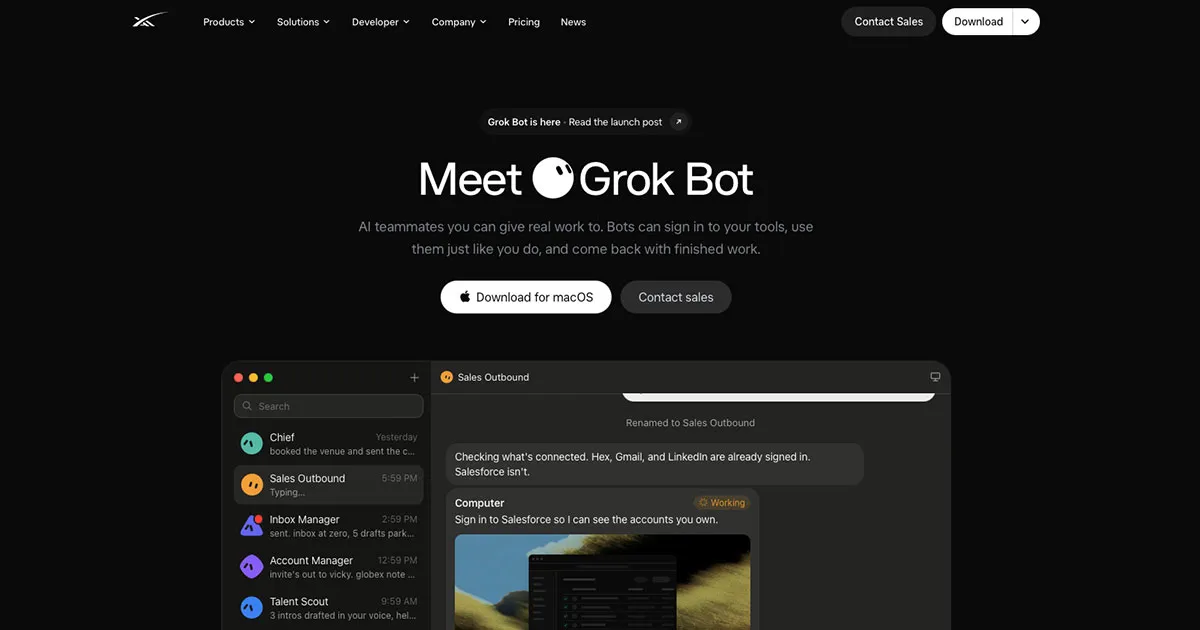
Grok Bot
Build and run a team of agents with own computers, who will work for you 24/7
Granola
The AI notepad for back-to-back meetings. Notes, actions and memory. Use your voice to type in any app.
Cursor
Built to make you extraordinarily productive, Cursor is the best way to code with AI.
Why it's here: AI-first code editor that makes it practical for designers to build real products.
Claude
Talk with Claude, an AI assistant from Anthropic
Why it's here: Strong at long documents and code, useful for research synthesis and prototypes.
MagicPath
Create, refine, and explore with AI.
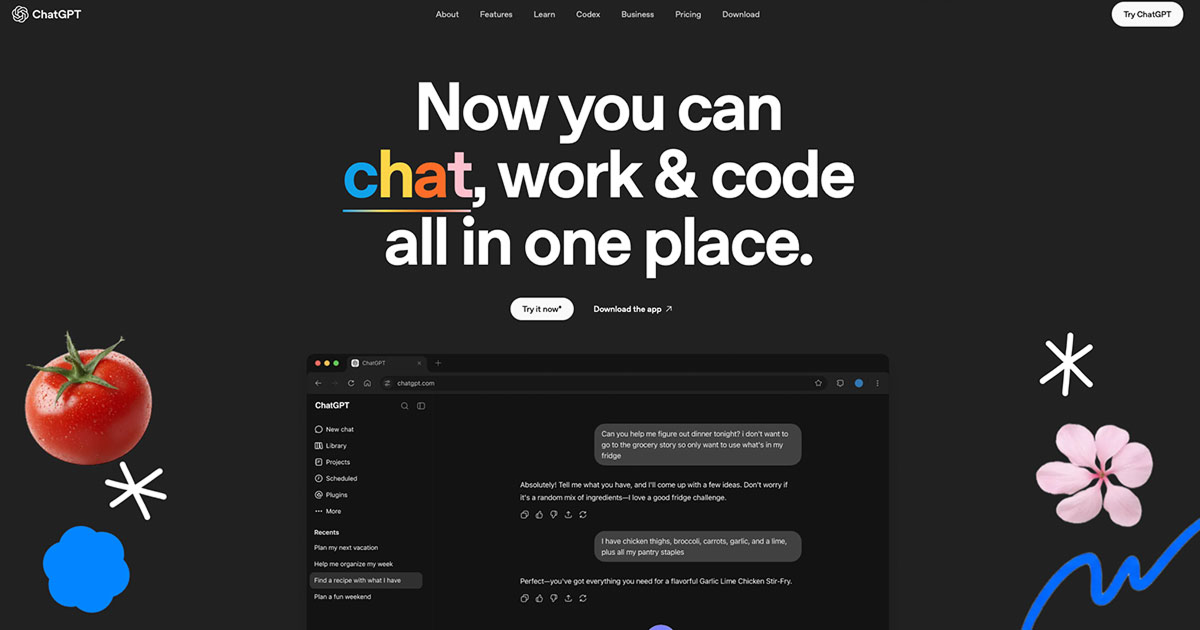
Chat GPT
AI chat
Why it's here: General-purpose assistant for research, copy, and specs across a design workflow.
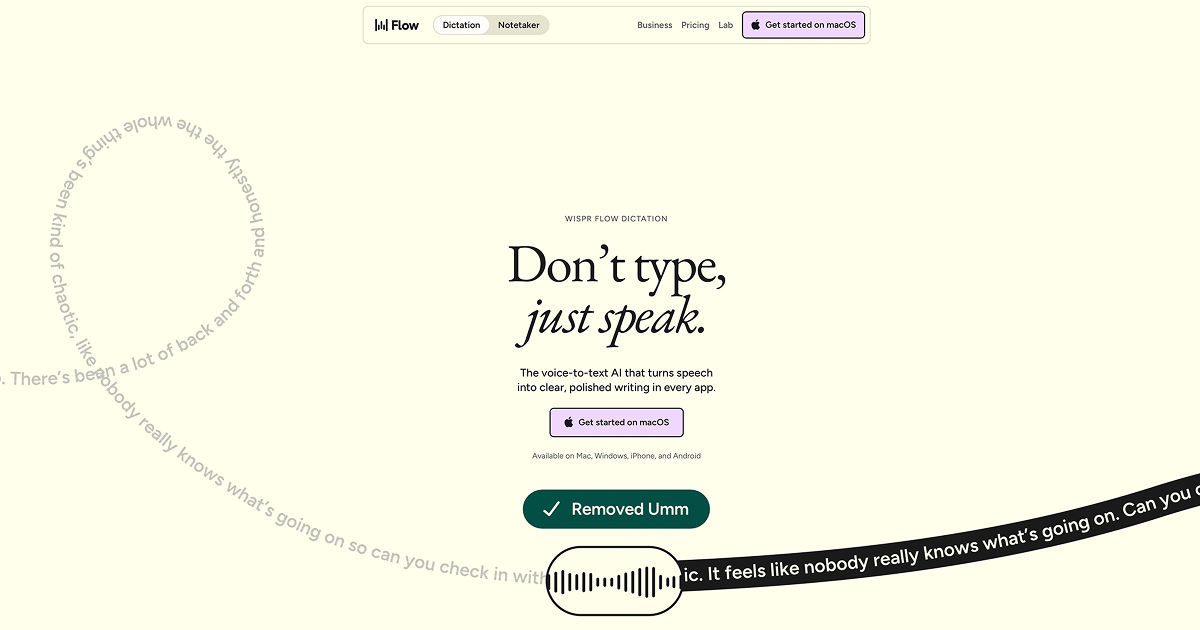
Wispr Flow
Voice-to-text AI that turns natural speech into polished writing — removing filler, fixing corrections, and formatting text in every app.
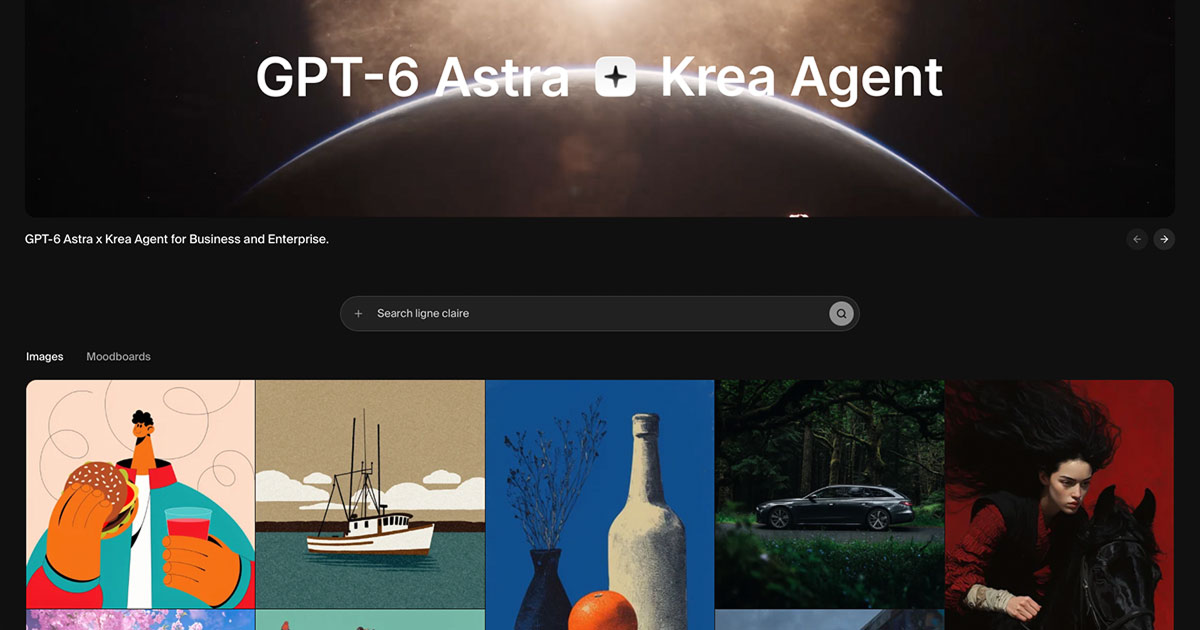
Krea
AI creative suite for generating, enhancing, and editing images — with real-time canvas tools built for designers.
Freepik Pikaso
Create images with a simple prompt using Flux model
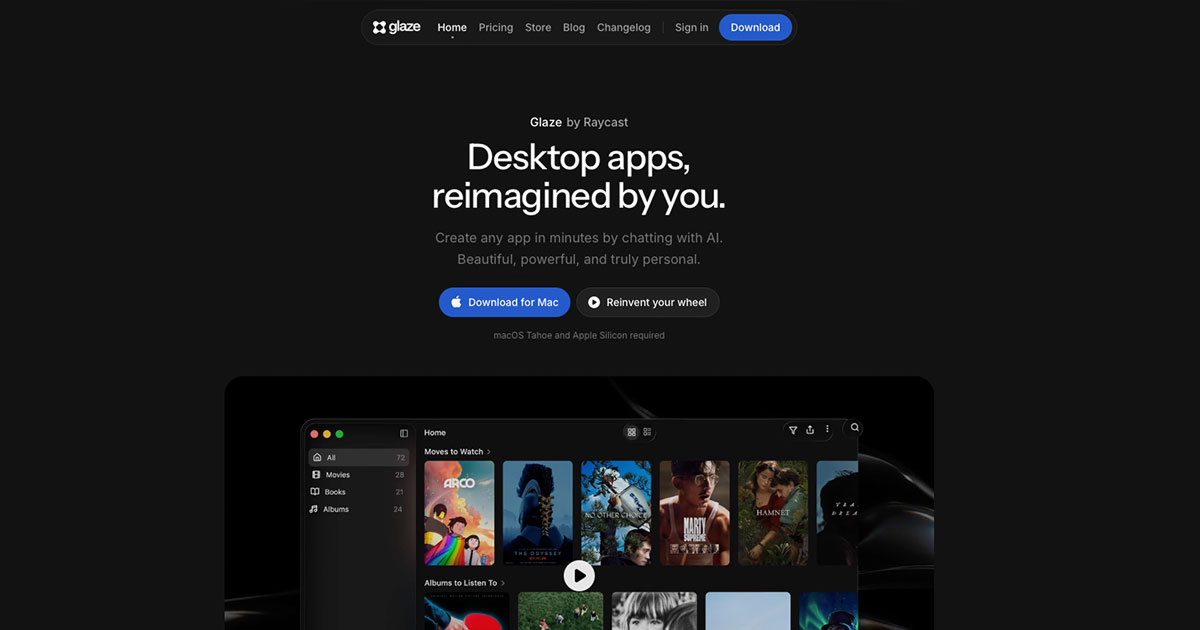
Glaze
Build and share native Mac apps by chatting with AI — local-first, OS-integrated desktop software made by the Raycast team.
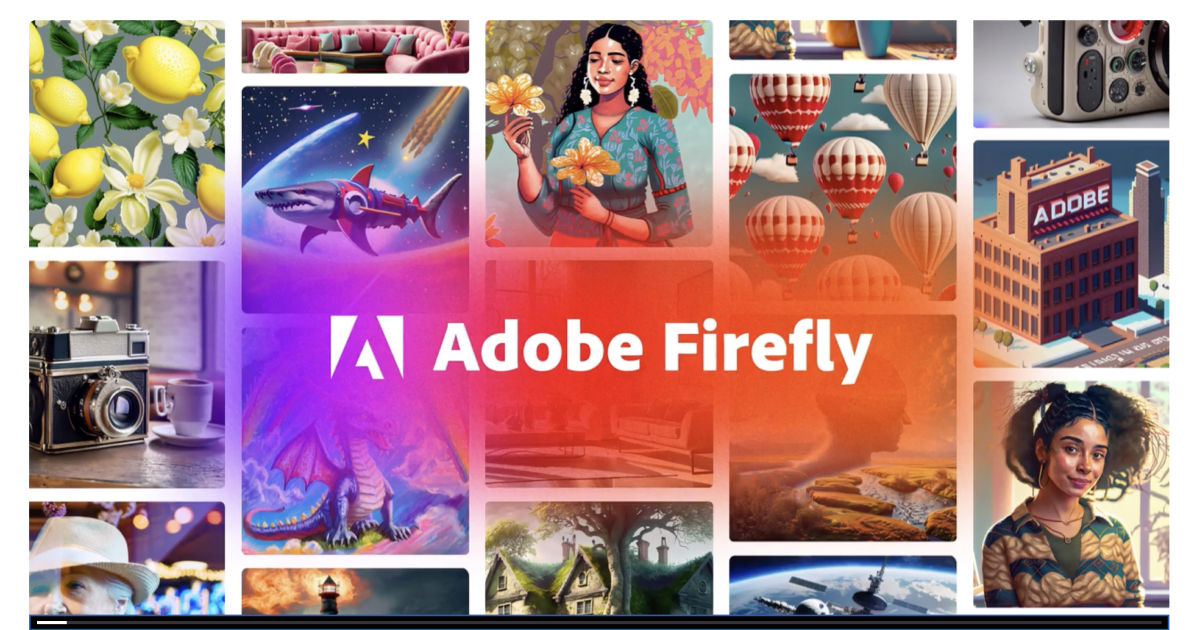
Adobe Firefly
Unleash your creative potential with Adobe Firefly. Collaborate seamlessly, create stunning visuals, and bring your ideas to life with powerful creative tools.
Why it's here: Image generation inside the Adobe ecosystem, built for commercial-use workflows.
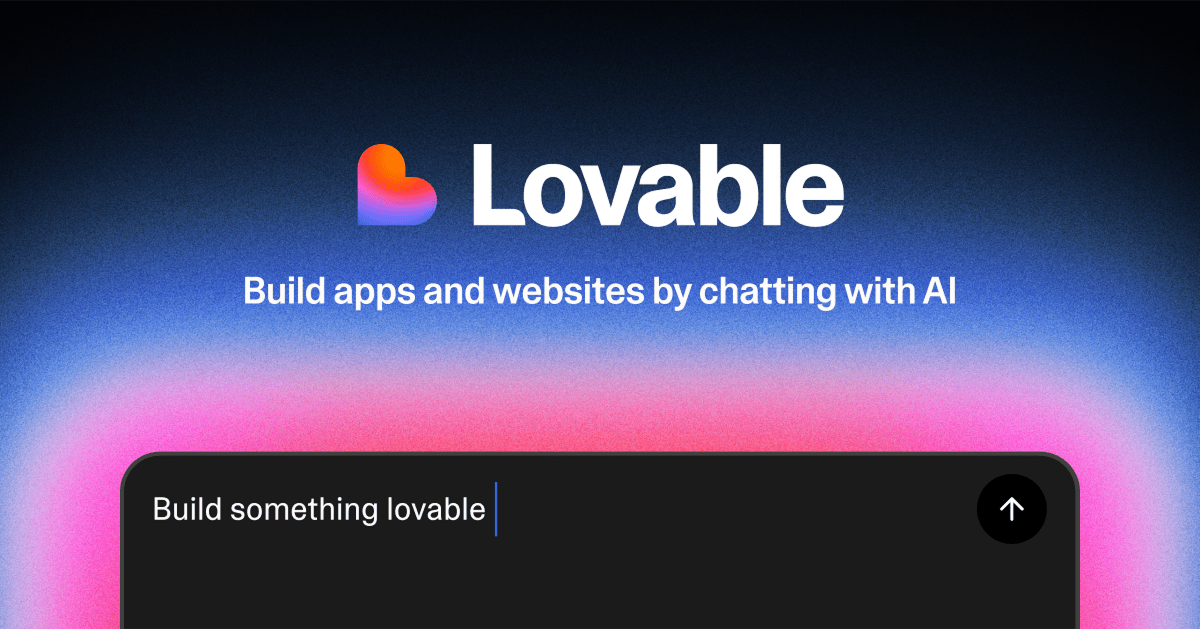
Lovable
Build software products, using only a chat interface
Why it's here: Chat-driven app builder for going from idea to working product without a dev setup.
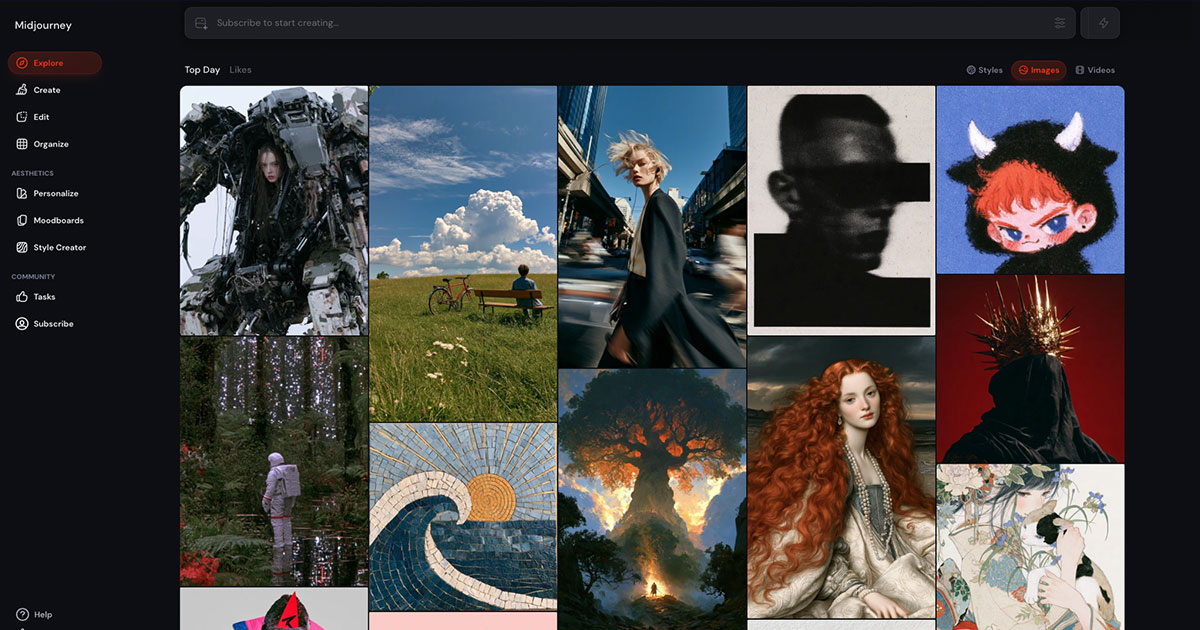
Midjourney
Embark on a transformative journey of self-discovery with Midjourney. Gain insights, set goals, and unlock your true potential for personal growth.
Why it's here: Go-to for mood boards and concept visuals rather than production UI.
Octopus
FREE visual sitemap builder with lo-fi wireframes for prototyping website architecture & structure. Use our website planning and site mapping tool to create a site map instantly. Our website diagram tool and website mapping is extremely fast and easy, we promise!
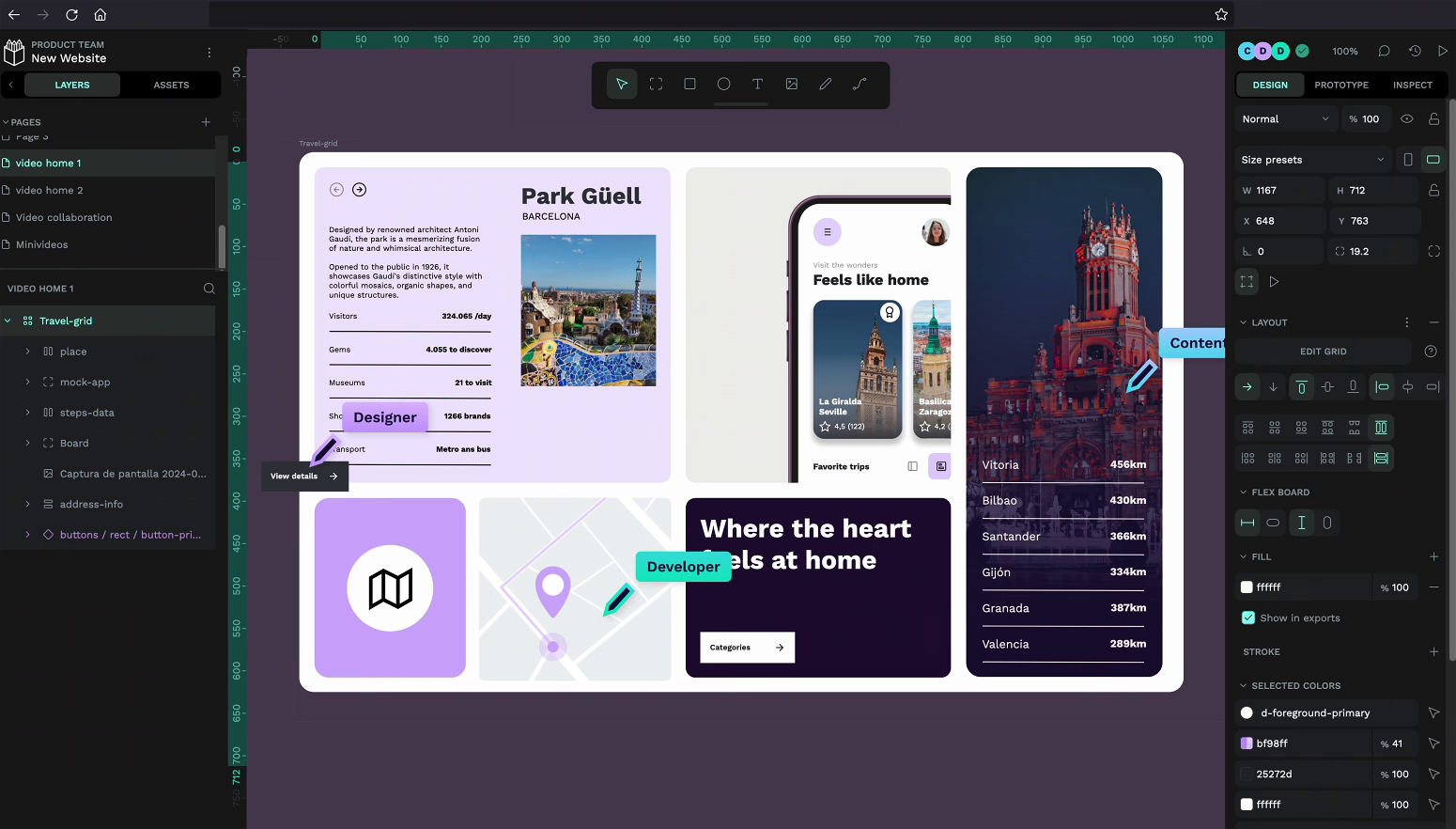
Penpot
Penpot is a free open-source design and prototyping tool. Create and collaborate on visuals, prototypes, UX and more
Why it's here: Open-source design tool, a free alternative when you want editable files you own.
Runable
Runable is an AI agent that turns an idea into a website, slides, video, or app, then keeps the follow-up work running.
Why it's here: One agent that builds the site or content and keeps the follow-up work running.
How to pick one
- Decide whether you need image output, copy, UI generation, or code — free tiers rarely cover all four well.
- Note export quality and resolution limits on image tools before pitching AI visuals to a client.
- If you work on a team, confirm the free plan allows commercial use and does not train on your uploads without consent.
Frequently Asked Questions
Are free AI tools safe for client work?
It depends on the tool's terms. Adobe Firefly and established writing tools offer clearer commercial licenses than anonymous image generators. Read terms before client delivery.
Which free AI tool is best for UI design?
Penpot, v0, and MagicPath target UI output — Penpot gives editable design files, v0 outputs React components, and MagicPath focuses on screen generation.
What free AI tools do designers use most?
ChatGPT, Claude, and Perplexity for copy and research; Midjourney and Firefly for images; Cursor and v0 for code — most offer usable free tiers.
Do free AI tools require a credit card?
Many do not for basic tiers — ChatGPT, Claude, Perplexity, and Penpot let you start free. Image and coding tools often limit exports or usage without payment.
Can I use free AI tools for commercial design projects?
Some allow it on free plans; others restrict commercial use or training on your data. Check each tool's license and your client contract before shipping AI-generated assets.
Related lists
Reviewed by Sergei Chyrkov · Last updated November 2026 · How we curate