
Best AI Writing Tools for Designers
8 curated writing ai tools
Last updated: August 2026
Designers use writing AI for microcopy drafts, UX research summaries, presentation scripts, and stakeholder emails — not just blog posts. These tools differ in tone control, citation accuracy, and how well they follow a structured brief. I use them to get a first draft on the page fast, then edit heavily for brand voice. None of them should publish user-facing copy without a human pass.
Resources
Claude
Talk with Claude, an AI assistant from Anthropic
Why it's here: Strong at long documents and code, useful for research synthesis and prototypes.
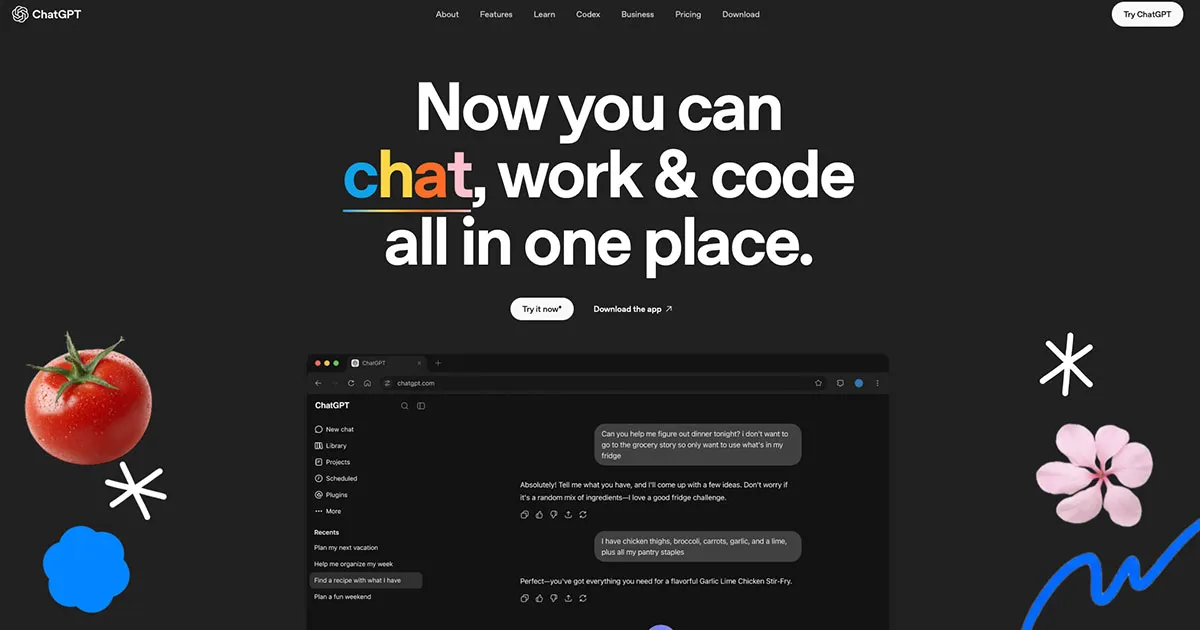
Chat GPT
Base AI chat for everyday work and conversations
Why it's here: General-purpose assistant for research, copy, and specs across a design workflow.
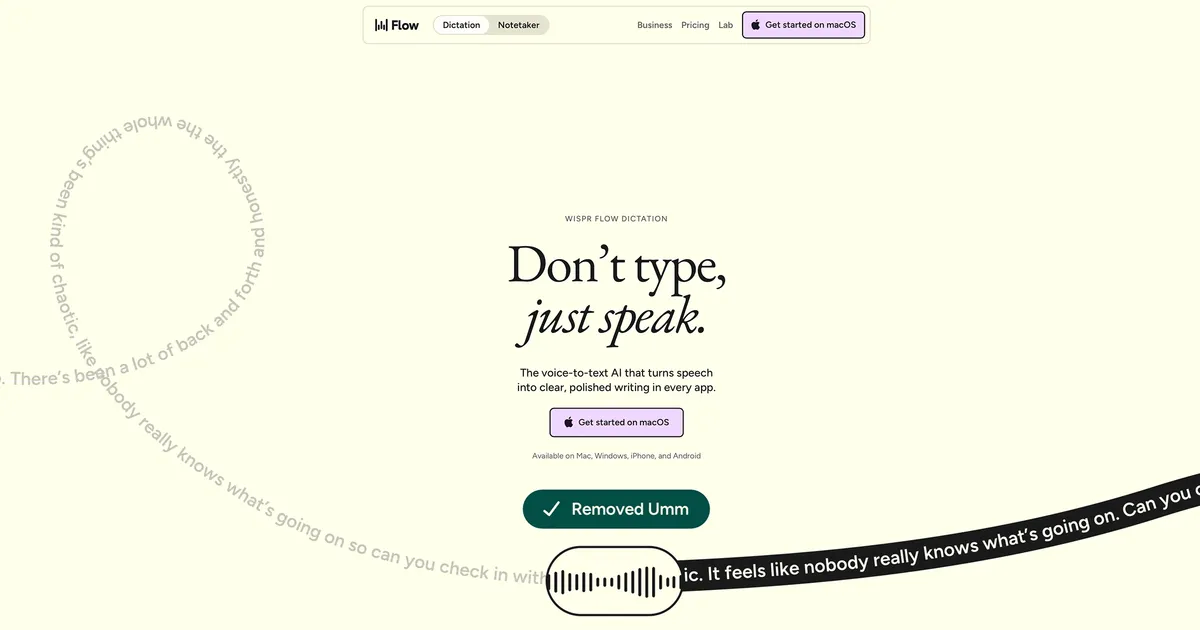
Wispr Flow
Voice-to-text AI that turns natural speech into polished writing — removing filler, fixing corrections, and formatting text in every app.

Perplexity
Perplexity is a free AI-powered answer engine that provides accurate, trusted, and real-time answers to any question.
Why it's here: Answers research questions with cited sources, easy to check before you rely on them.
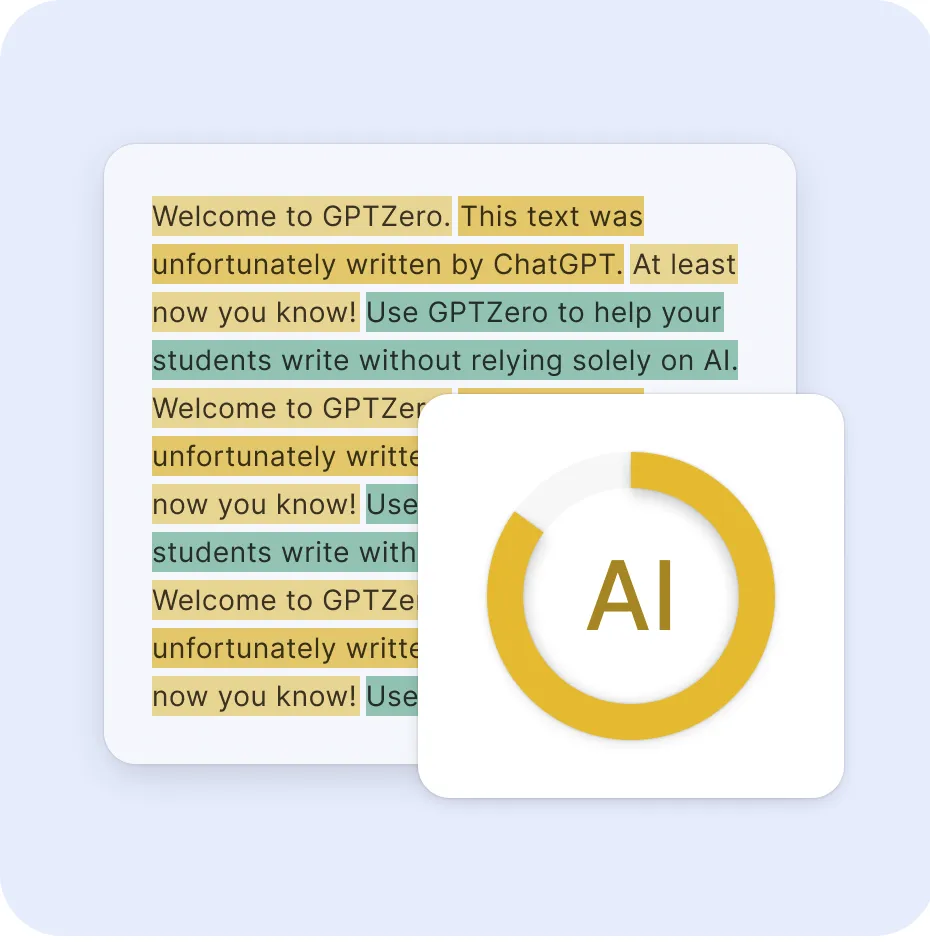
GPTZero AI Detector — AI Checker for ChatGPT & Gemini
Detects AI content from ChatGPT, GPT-5, Gemini, and checks writing quality to make every word worth reading.
WriteHuman AI Humanizer Tool: Humanize AI Text
Use WriteHuman’s AI humanizer and AI detector with Copyleaks, ZeroGPT, and GPTZero. Transform AI text into human-quality content in seconds.

Tweet Hunter
Stay ahead of the trends with Tweet Hunter. Explore and analyze popular tweets to gain insights, track hashtags, and engage with your audience.

Gamma
Gain data-driven insights with Gamma. Leverage AI and analytics tools to extract meaningful information and make informed business decisions.
How to pick one
- For factual research with sources, Perplexity beats generic chat for quick competitor scans.
- For long-form UX rationale and nuanced tone, Claude and ChatGPT still lead — compare on the same prompt.
- Gamma is the outlier here: it targets slide decks and visual docs, not chat-style writing.
Frequently Asked Questions
Can AI write UI microcopy for products?
Yes — it drafts buttons, empty states, and error messages. Always edit for brand voice, terminology, and WCAG plain-language standards before shipping.
Which AI tool is best for UX research synthesis?
ChatGPT and Claude handle interview notes and theme extraction. Perplexity is better for competitor research with cited sources.
What is the best free AI writing tool for designers?
ChatGPT, Claude, and Perplexity all offer free tiers for drafts, summaries, and stakeholder emails. Compare tone on the same prompt to pick a favorite.
Can AI help write UX case studies?
Yes — feed it your project structure, outcomes, and metrics. You must verify facts and add your authentic design rationale; never publish unedited AI copy.
ChatGPT vs Claude for design writing — which wins?
Claude often produces more nuanced long-form UX rationale. ChatGPT is strong for structured templates and quick iterations. Test both on the same brief.
Related lists
Reviewed by Sergei Chyrkov · Last updated August 2026 · How we curate